Xelynx makes it easy for you to configure the ONU, its ports, VLANs, Service ports, VoIP, IPs. Xelynx also makes it easy to monitor your ONU's crucial details like bandwidth, power, graphs and Alarams.
There are various tabs to conrtol and monitor multiple settings and configuratoins. You will find details about each item below.
On this tab Xelynx gives an overview of your ONU.
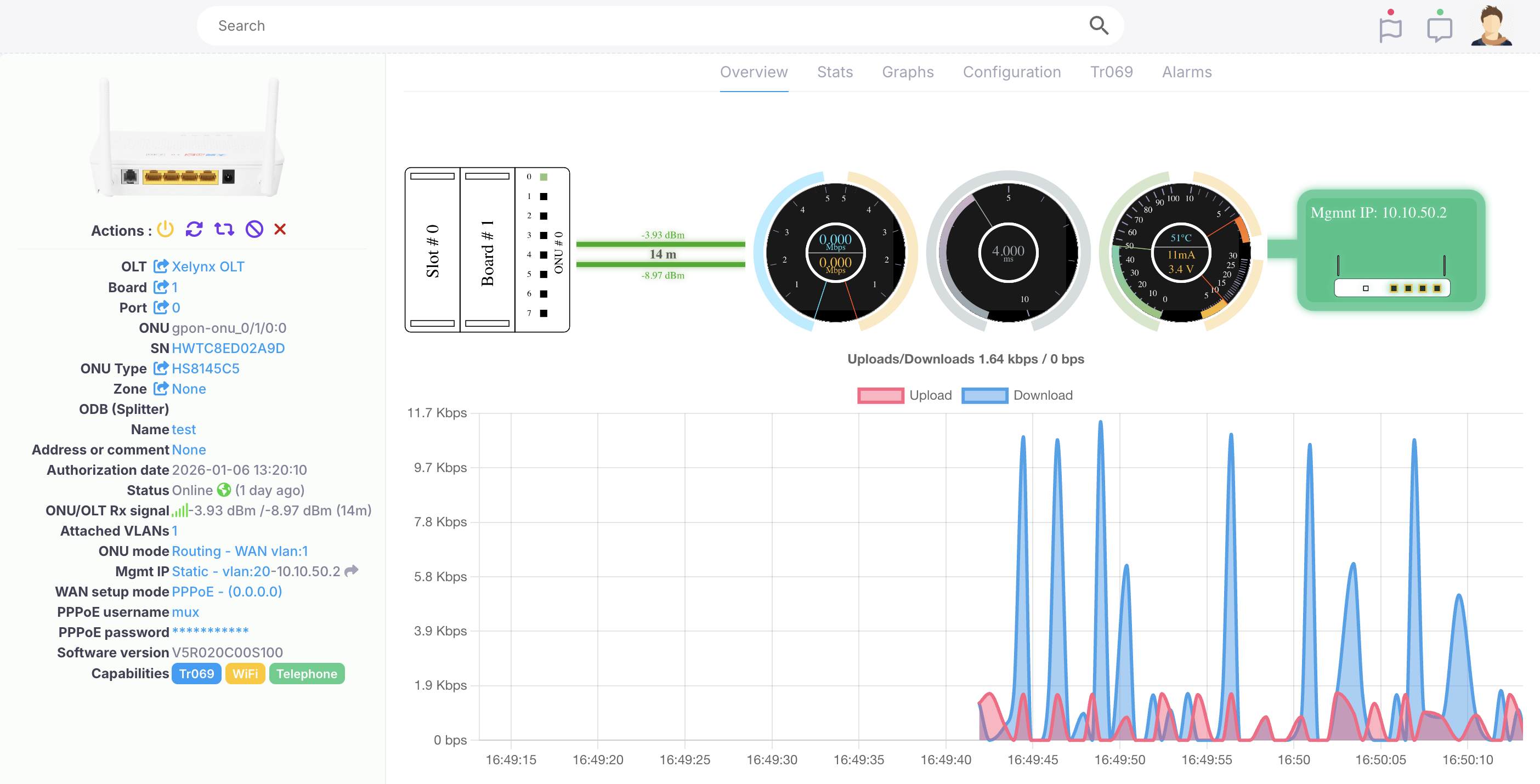
Information about each item on the page is given below.
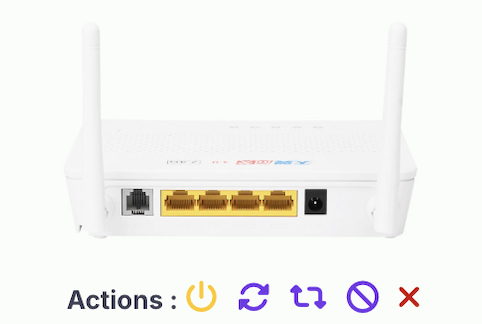 |
Reboot ONU: You can reboot the ONU by a click of a button. Resync config: By clicking on this, your ONU config will get sync'd to Xelynx configurations, like DBA profile, Line profile, Service Profile, Speed profile, GEM ports etc.. Reset ONU: By clicking this, your ONU will be reset to default factory settings. Tr069 should be working to do this. Delete ONU: Your ONU will be deleted from Xelynx and OLT. It will come in Autofind page if its online. |
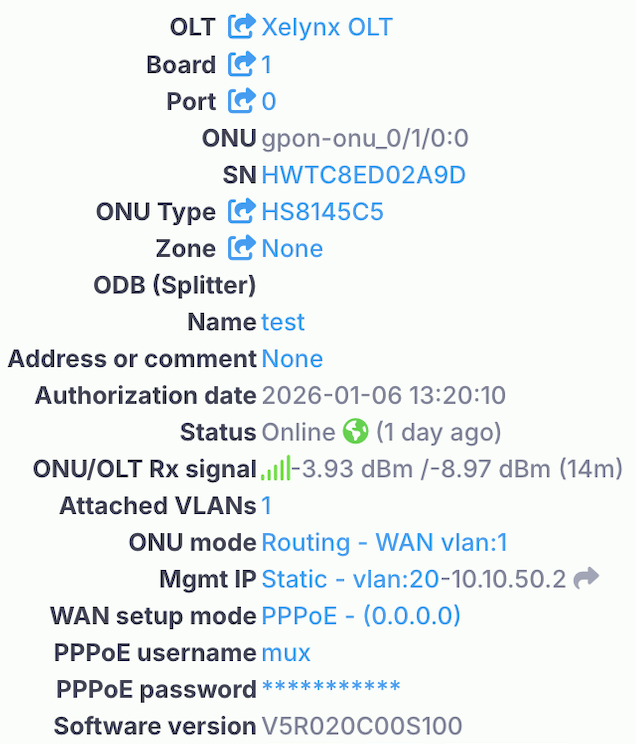 |
OLT: This tells you the OLT this ONU is connected to. You can click on it and move the ONU to a different OLT. By clicking on the arrow icon, you will get a list of all ONUs on that OLT. Board: This tells you the OLT board this ONU is connected to. You can click on it and move the ONU to a different Board of the OLT. By clicking on the arrow icon, you will get a list of all ONUs on that Board. Port: This tells you the OLT PON port this ONU is connected to. You can click on it and move the ONU to a different PON port of the OLT. By clicking on the arrow icon, you will get a list of all ONUs on that PON port. ONU: This tells you the complete ONU path on OLT i.e. Shelf, Board, Pon port and ONU number and ONU type. SN: This tells you the SN of the ONU. ONU Type: This tells you the ONU model/Type. You can change the model/type by clicking on the value and selecting a new value. Zone: This tells you the Zone on Map ONU falls in. You can also select the ODB from here. You should create a zone using Maps page. You can get/set the geo location of the ONU from here as well. You can change the name of ONU from here as well. Name: This tells you the Zone on Map ONU falls in. You can also select the ODB from here. You should create a zone using Maps page. You can get/set the geo location of the ONU from here as well. You can change the name of ONU from here as well. Authorization Date: This tells you the date and time this ONU was authorized on Xelynx. Status: This tells you the current live status of the ONU. It tells you the reason if the ONU is offline. This gives you live status of the device. ONU mode: You can change the operatin mode, WAN VLAN, and WAN side IP configuration by clicking on it. Some of the features work if Tr069 is working. WAN setup mode: You can change the operatin mode, WAN VLAN, and WAN side IP configuration by clicking on it. Some of the features work if Tr069 is working. Mgmnt IP: You can select a Tr069 profile and give ONUs management side IP configuration and Management VLAN. Software version: This tells the software version of ONU. |
 |
Tr069: This tells you if device is connected on Tr069. WiFi: This tells you if the device supports WiFi. Telephone: This tells you if the device supports VoIP. CATV: This tells you if the device supports CATV. |
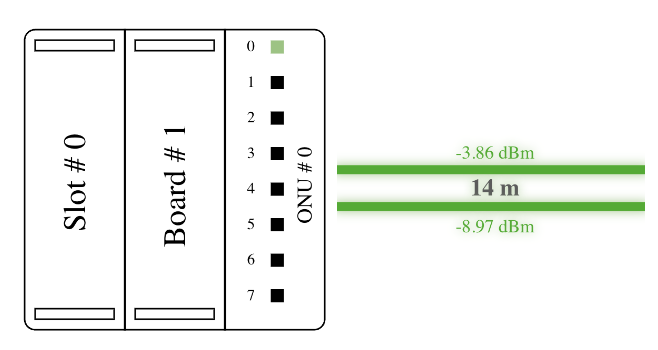 |
Port details: This displays board, pon port and onu number on OLT this ONU is connected on. TX power: This display TX power of ONU and colour displays if it is good or not. RX power: This display RX power of ONU and colour displays if it is good or not. Distance: This display actual distance f ONU from OLT. |
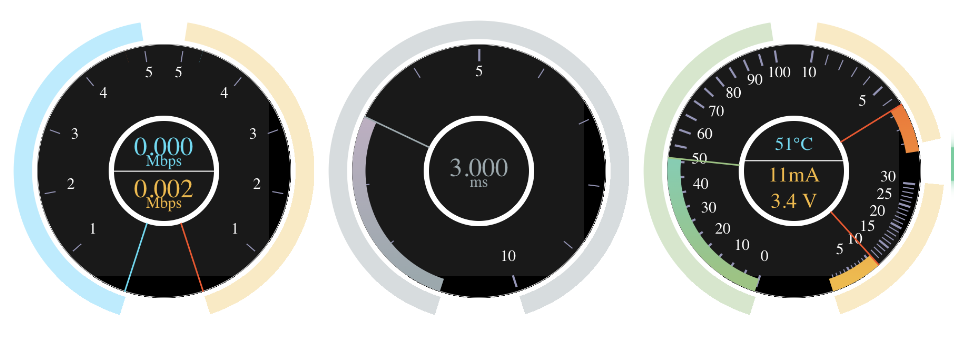 |
Speed: This displays live upload and download speed utilized on ONU. Latency: This display live latency of ONU from OLT. Power/Temperature: This display live current, voltage and temperature of ONU. |
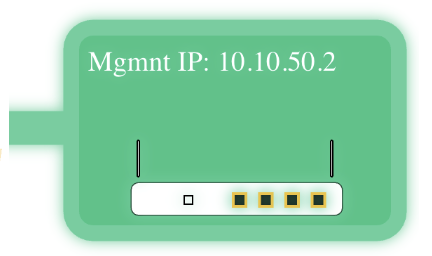 |
Graphical view of ONU: This displays Graphical representation of ONu with all details and its management IP. Eth ports: Number of eth ports on ONU and their status if they are connected and at what speeds they are connected. Wifi: Shows if WiFi is supported. VoIP: Shows if VoIP is supported. |
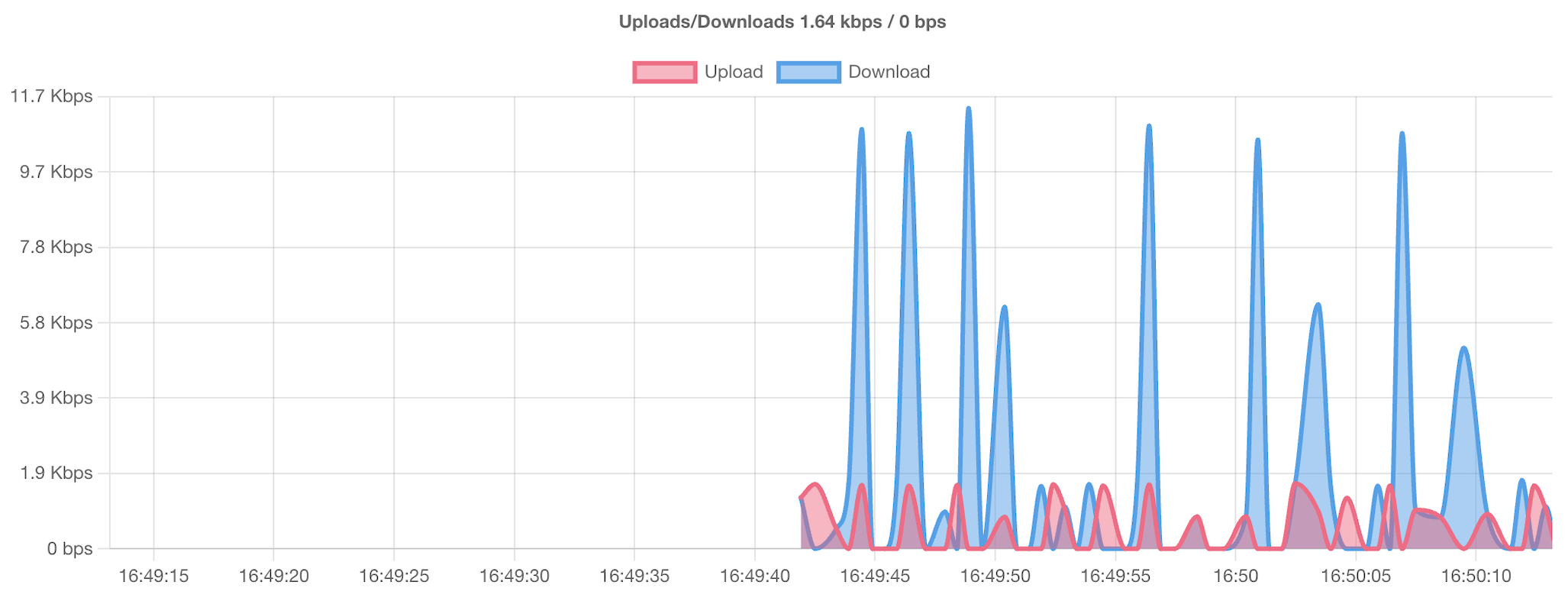 |
Live graph: This displays Live graph of upload and download speeds. |
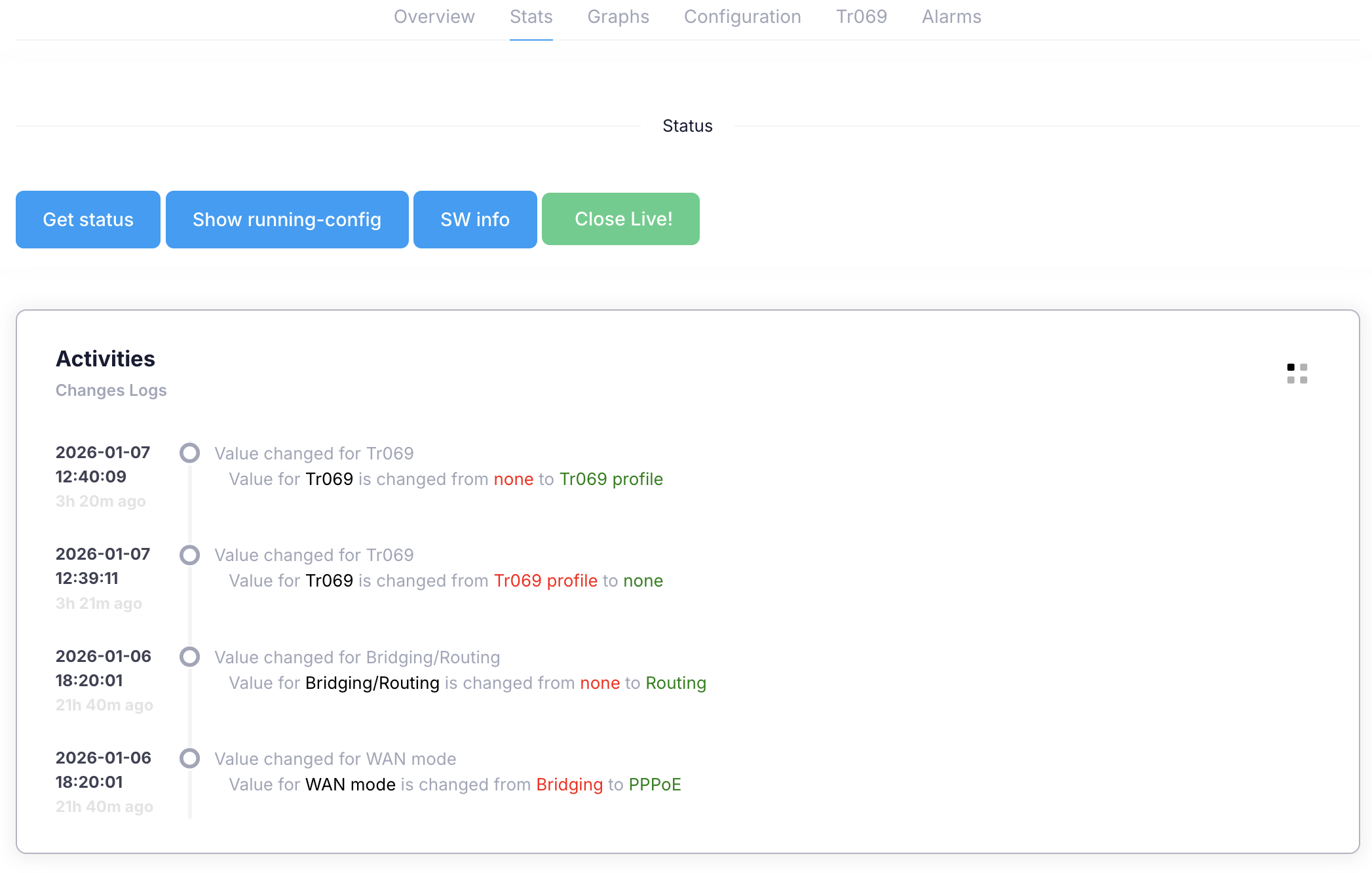
On this tab Xelynx shows the log and you can get various details from OLT about this ONU.
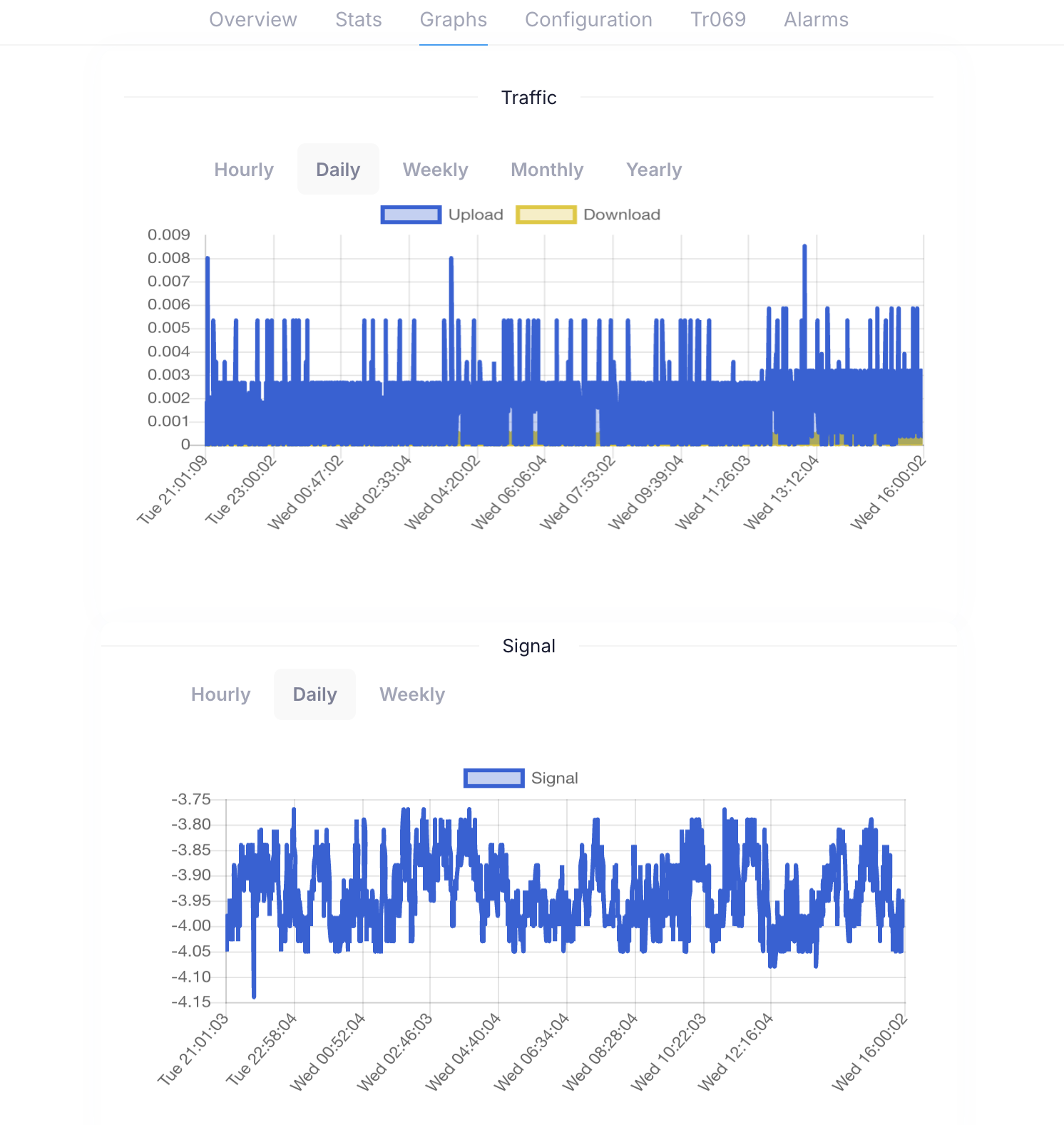
On this tab Xelynx shows bandwidth and optical signal power of ONU.
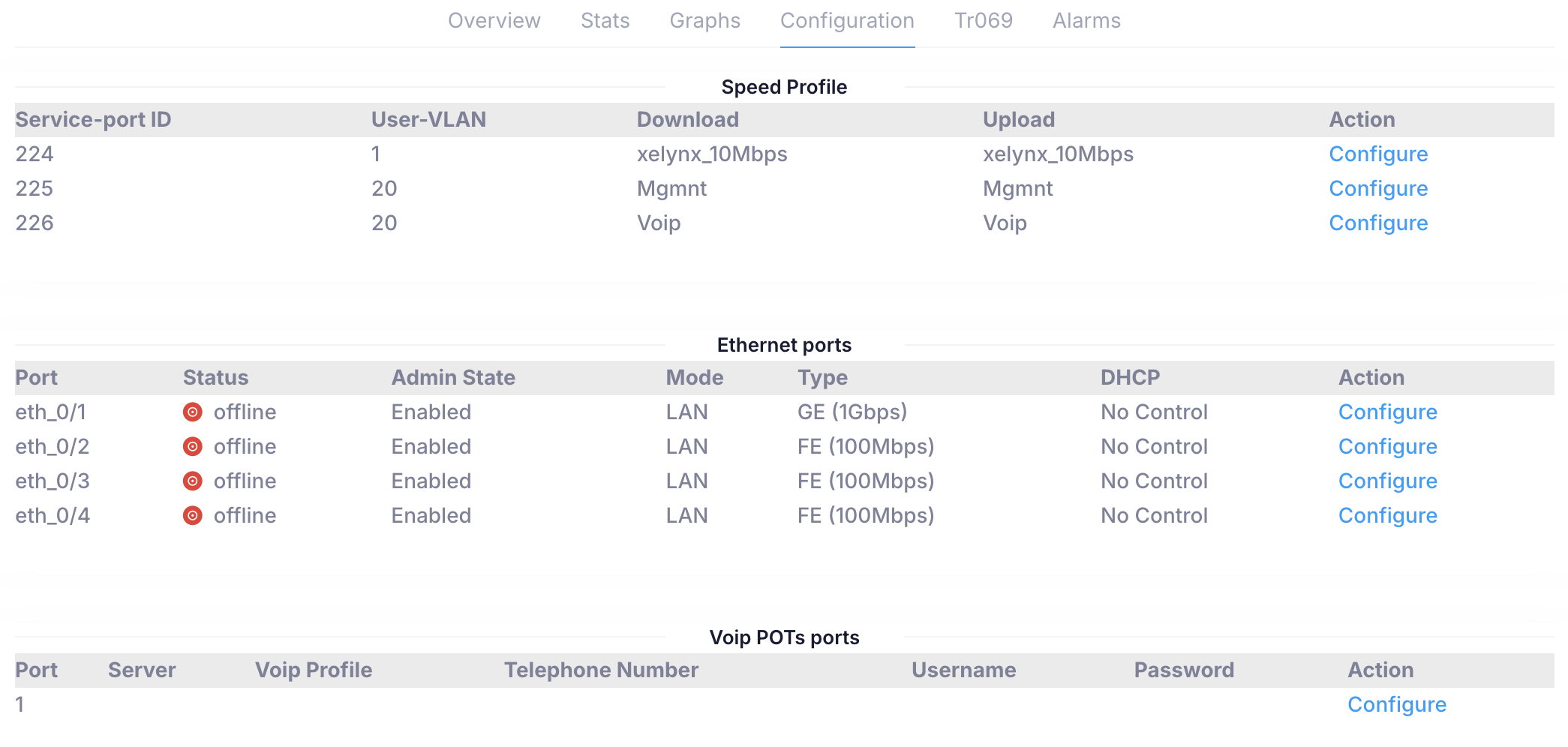
On this tab you can configure service ports VLANS, speed profiles, Ethernet ports on ONUs's access modes and VoIP pots settings.
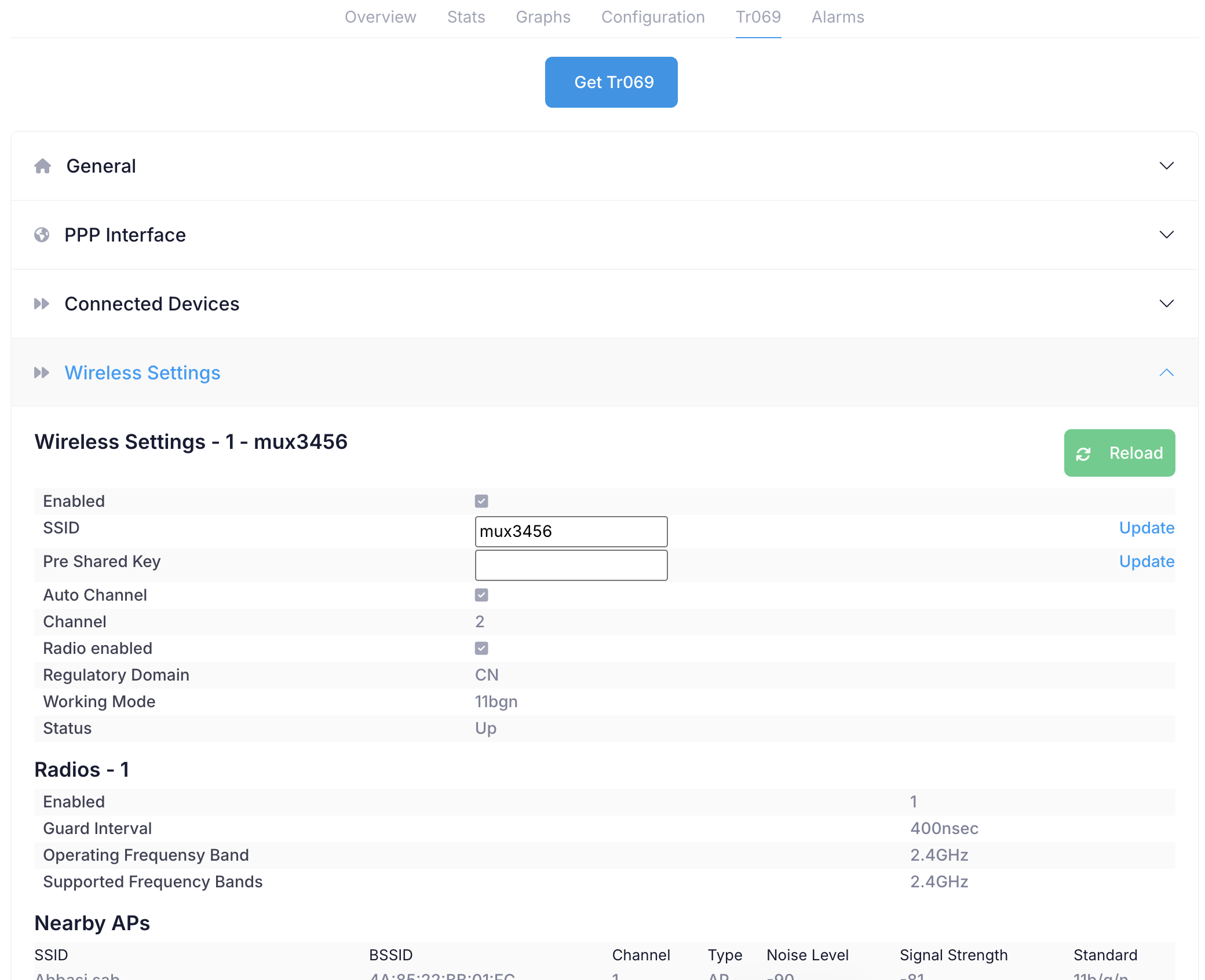
On this tab you can get all ONUs details from Tr069. You can get and set various values, see list of connected devices on LAN or WiFi of ONU, nearby APs, signal strengths and logs etc.
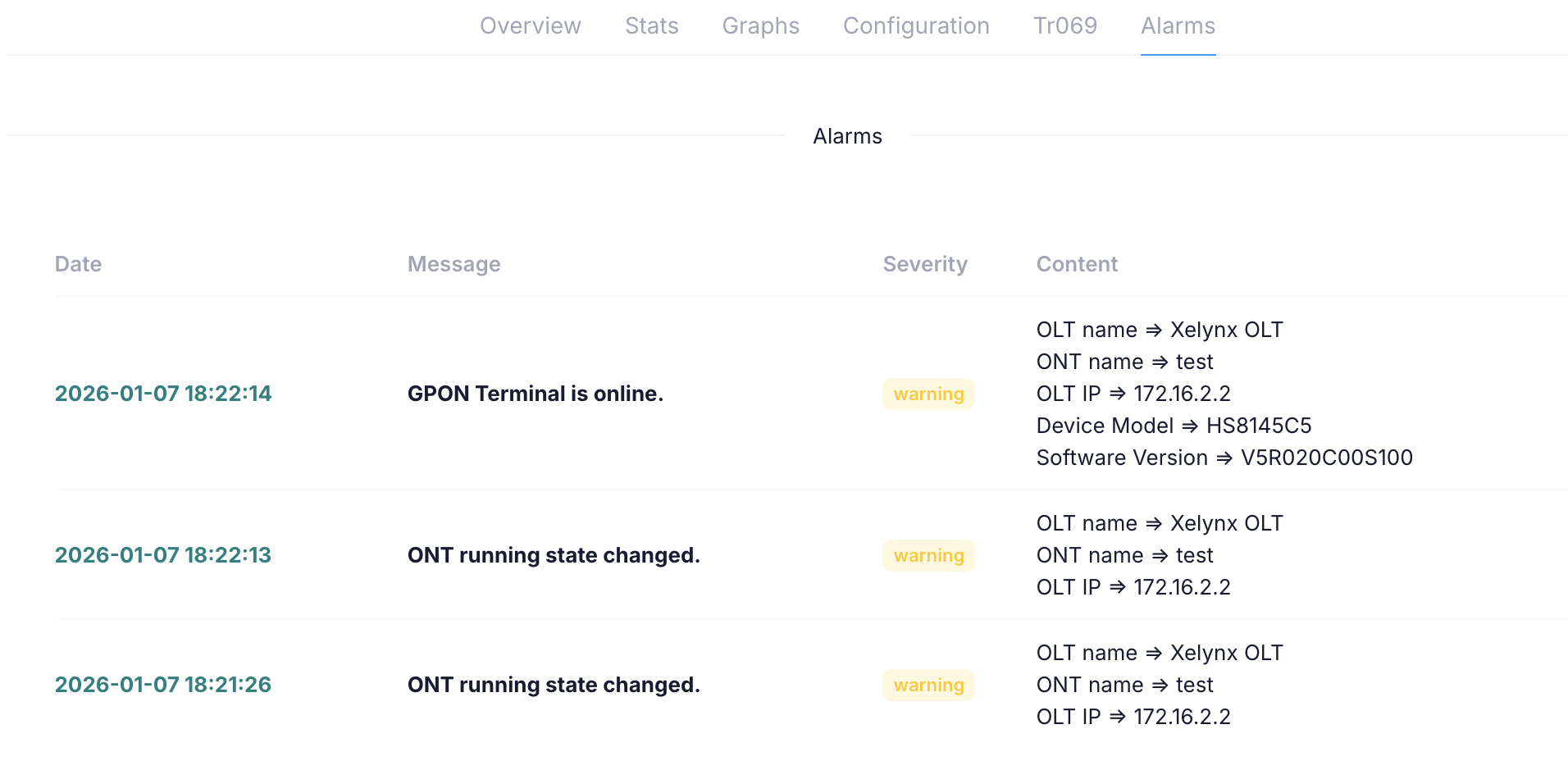
Xelynx shows all the alarms raised on OLT for this ONU.