Services — VoIP & Voice
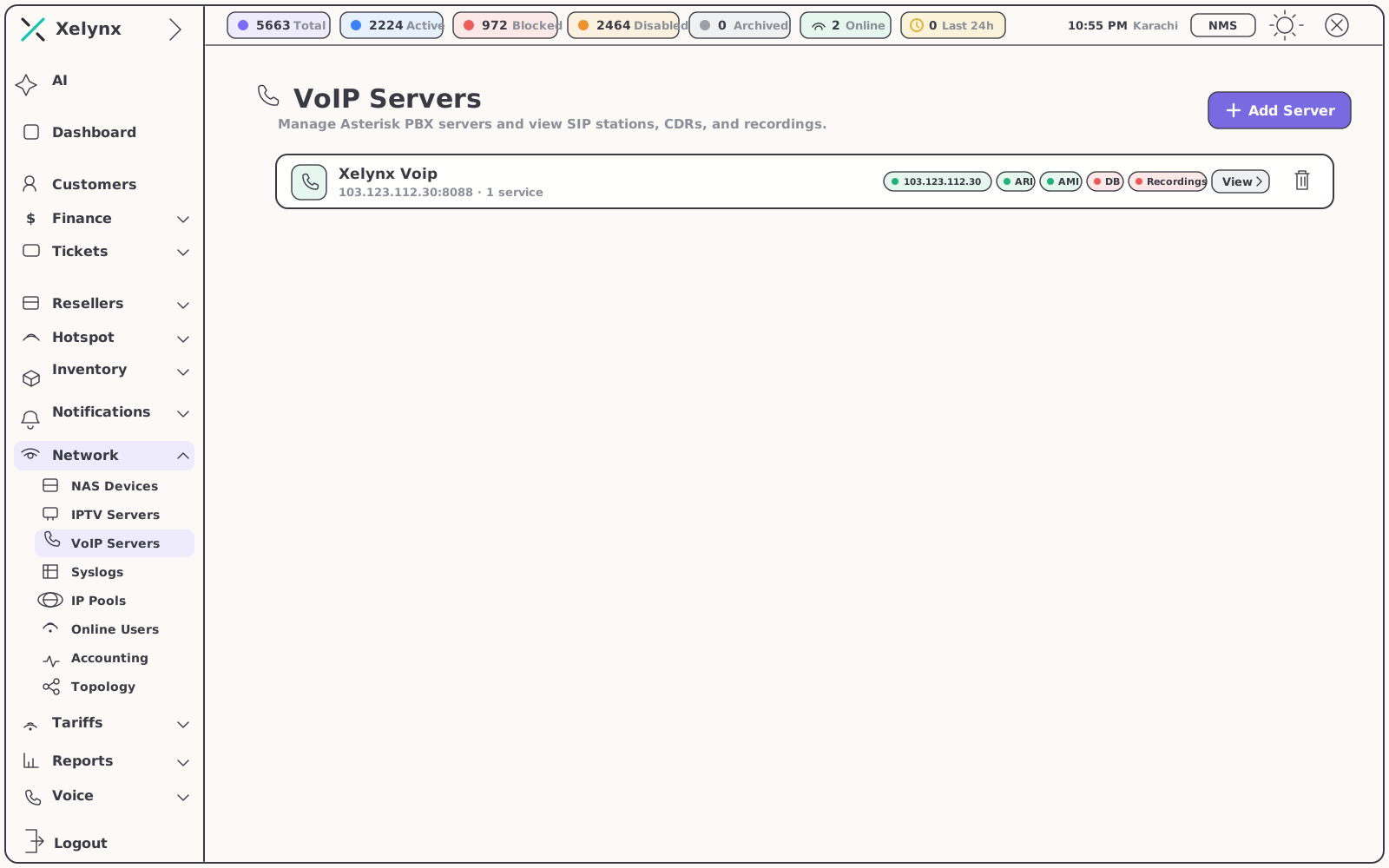
Asterisk, wired straight into your billing.
Connect Asterisk and FreePBX over ARI & AMI. Xelynx syncs SIP stations, CDRs and call recordings, rates every call by prefix and destination, and puts voice on the same invoice as broadband and TV.
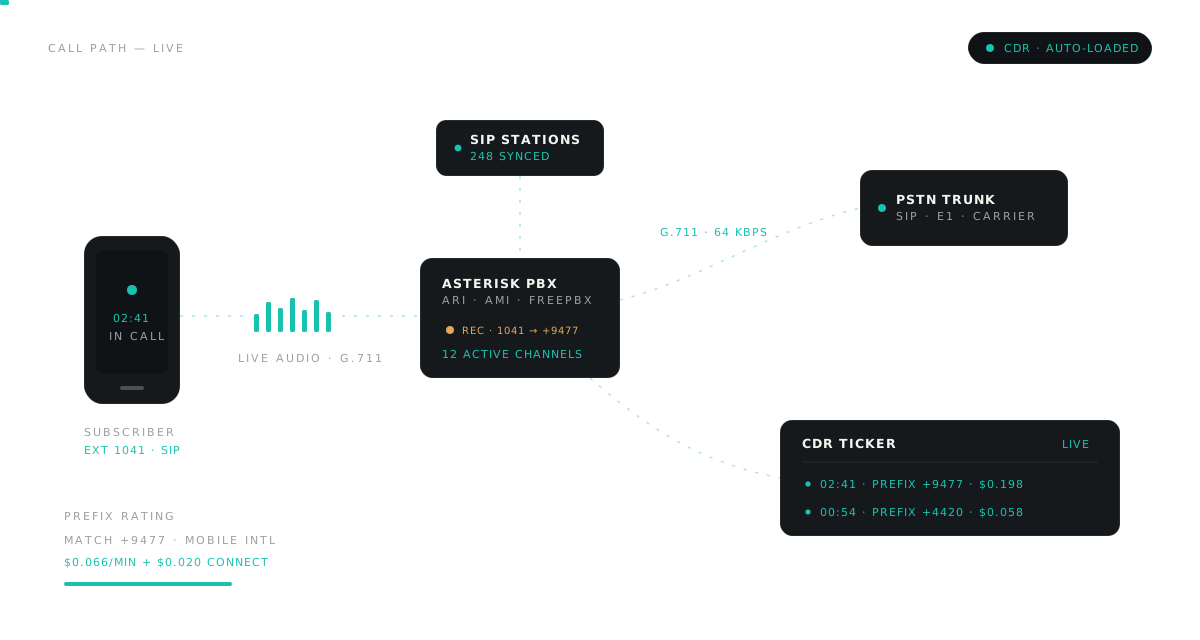
01 — From PBX to invoice
One pipeline: connect, sync, rate, bill.
Voice on Xelynx is not a bolt-on. The PBX, the call records and the charges live in the platform that already runs your subscribers — no scheduled exports, no glue scripts, no reconciliation.
02 — CDR intake
Synced automatically. Imported when you need it.
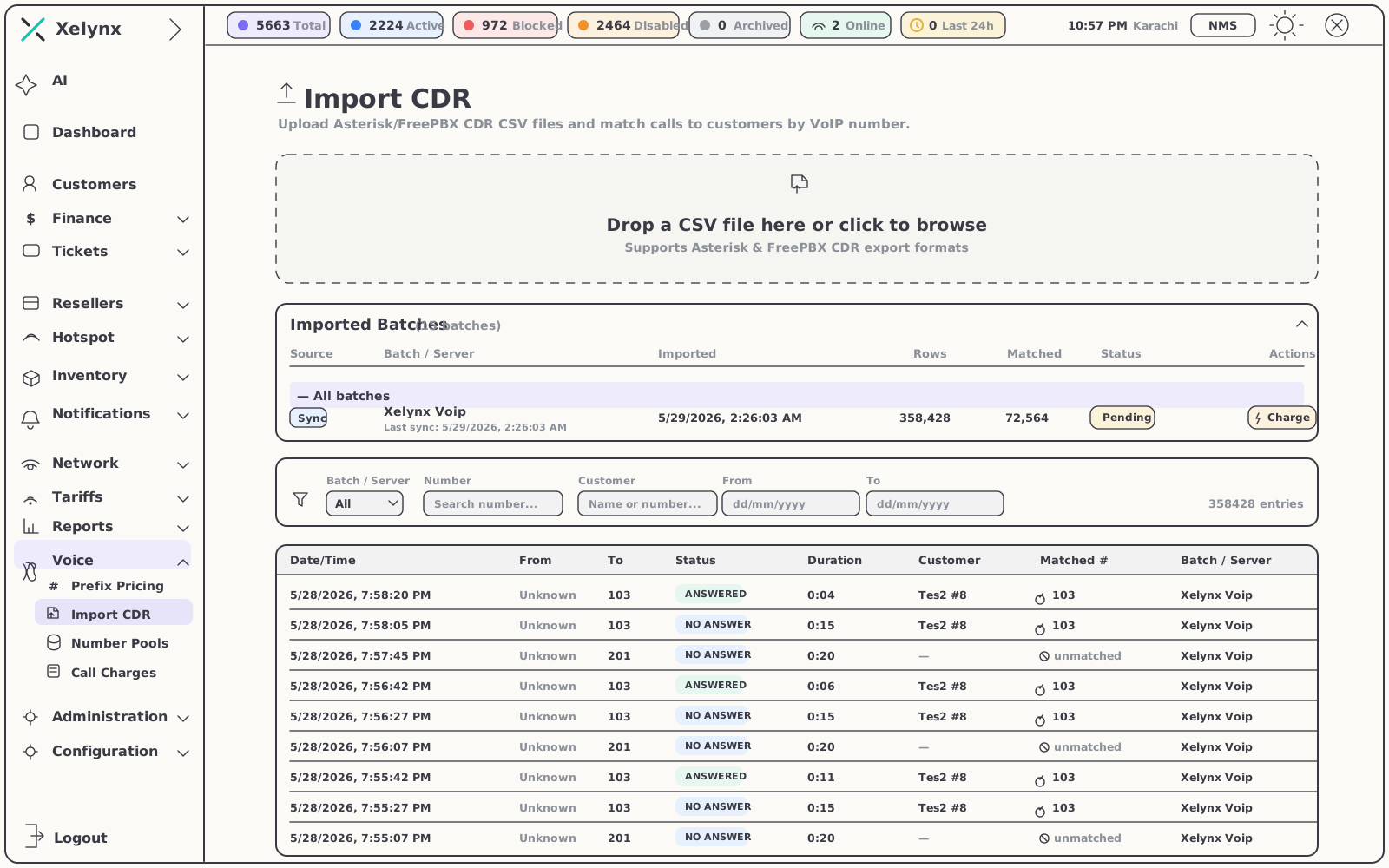
Add an Asterisk box as a VoIP server and its call detail records load on their own — no exports to schedule, no middleware to babysit. For a PBX you would rather not wire up live, or for backfilling history, upload the CSV instead.
- Automatic CDR load — records start flowing the moment a server is connected
- Recordings ride along — call audio sits next to the CDR on the subscriber's record
- Asterisk & FreePBX CSV import — upload raw exports in a few clicks, no reformatting
- Matched by VoIP number — synced or imported, every call lands on the right subscriber
03 — The rating engine
Every call priced the moment it lands.
Live or imported, it bills the same.
Xelynx reads the dialled destination, matches the longest prefix you have defined and applies its per-minute rate plus a one-off connection charge — so local, national, mobile and international all bill at the right number, with zero manual sorting.
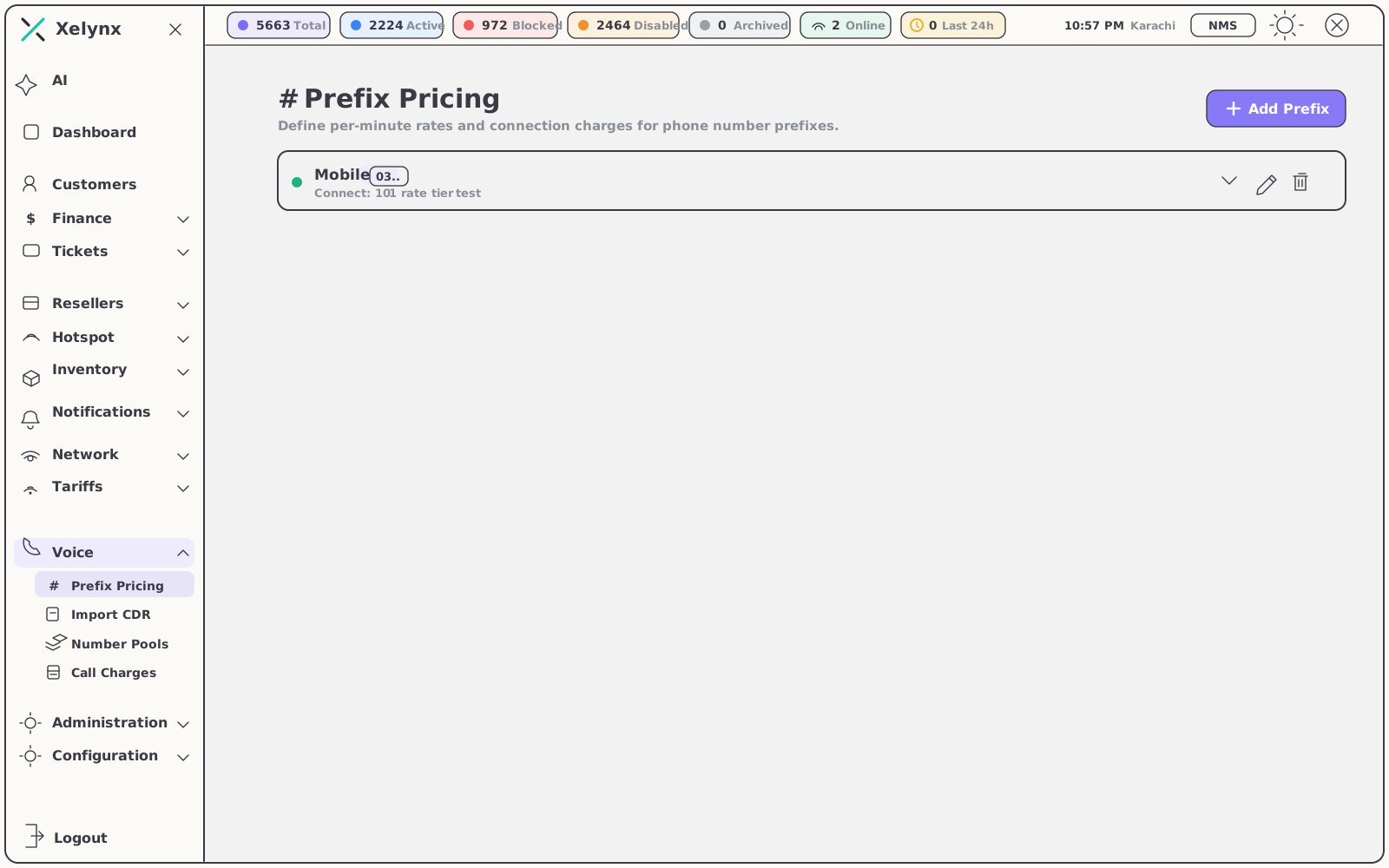
Prefix pricing, exactly your way.
Define how each phone-number prefix is charged once; the engine applies it to every record that arrives — whether it streamed in from a connected server or landed as a CSV upload.
- Longest-prefix match — the most specific rate you have defined always wins
- Two price components — per-minute rate and connection charge, set per prefix and destination
- One pipeline — synced and imported CDRs run through identical rating and matching, so invoices stay consistent however the data got in
| Rating input | How it is applied |
|---|---|
| Dialled destination | Matched against the longest prefix you have defined — the most specific entry wins |
| Per-minute rate | Set per prefix and destination, applied across the call's duration |
| Connection charge | A one-off amount per call, defined alongside the per-minute rate |
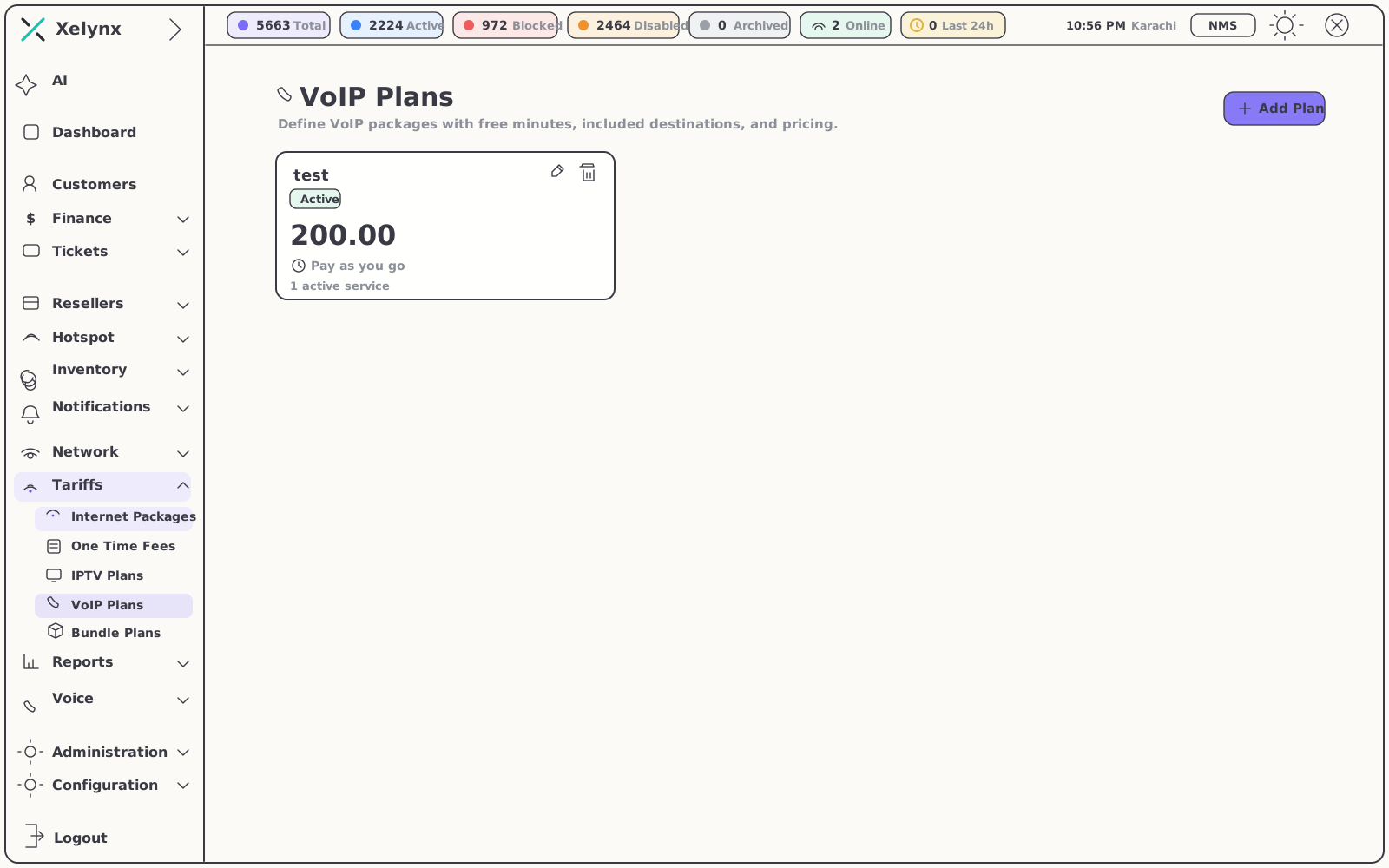
| VoIP plan | Bundles free minutes, included destinations and package pricing per subscriber plan |
| Caller's VoIP number | Matches the rated call to the correct subscriber's record |
04 — Numbers & plans
The commercial side of voice.
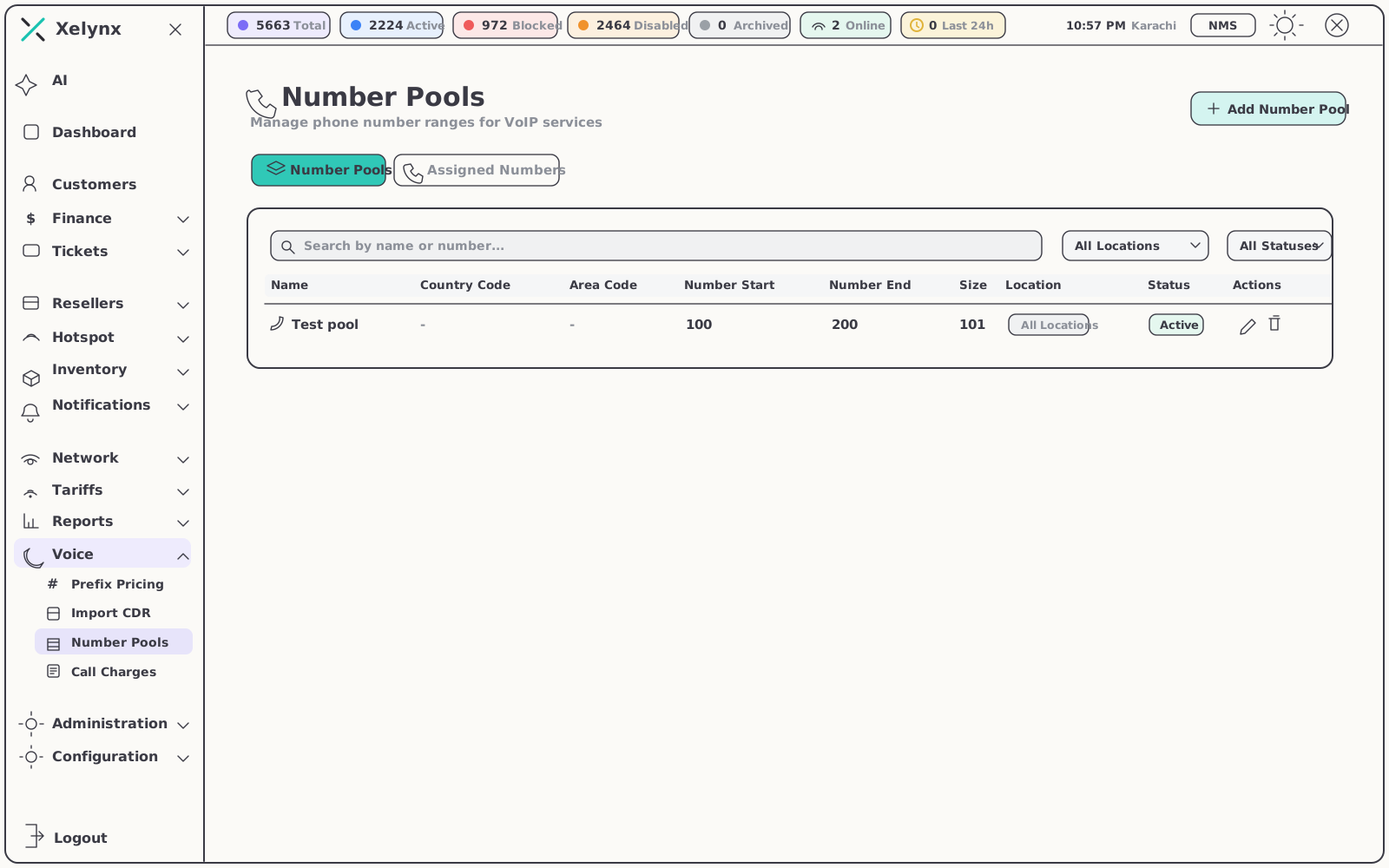
Number pools keep your VoIP ranges tidy and allocation orderly; VoIP plans turn raw rates into sellable products — free minutes, included destinations and package pricing.
05 — On the record
Every call, on the subscriber's record.
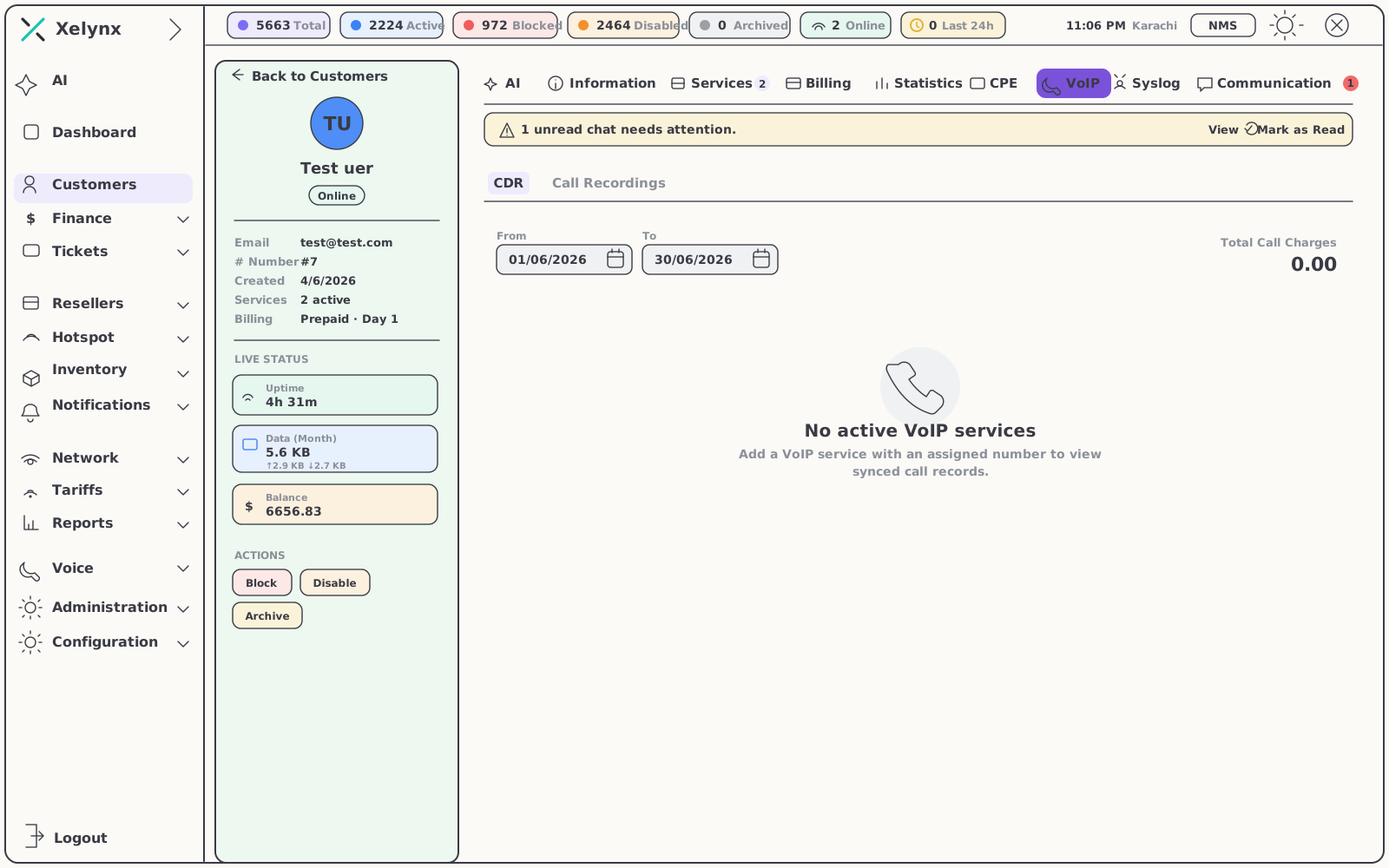
Each customer gets a dedicated VoIP tab — the single place for their calls, recordings and charges, from the first ring to the invoice line.
Per-customer view
The VoIP tab.
Open any subscriber and their full voice history is right there — no separate PBX console, no cross-referencing spreadsheets by hand.
- Full CDR history — every call the customer made, with recordings attached where available
- Total call charges — visible at a glance, ready for support questions and disputes
Call charges
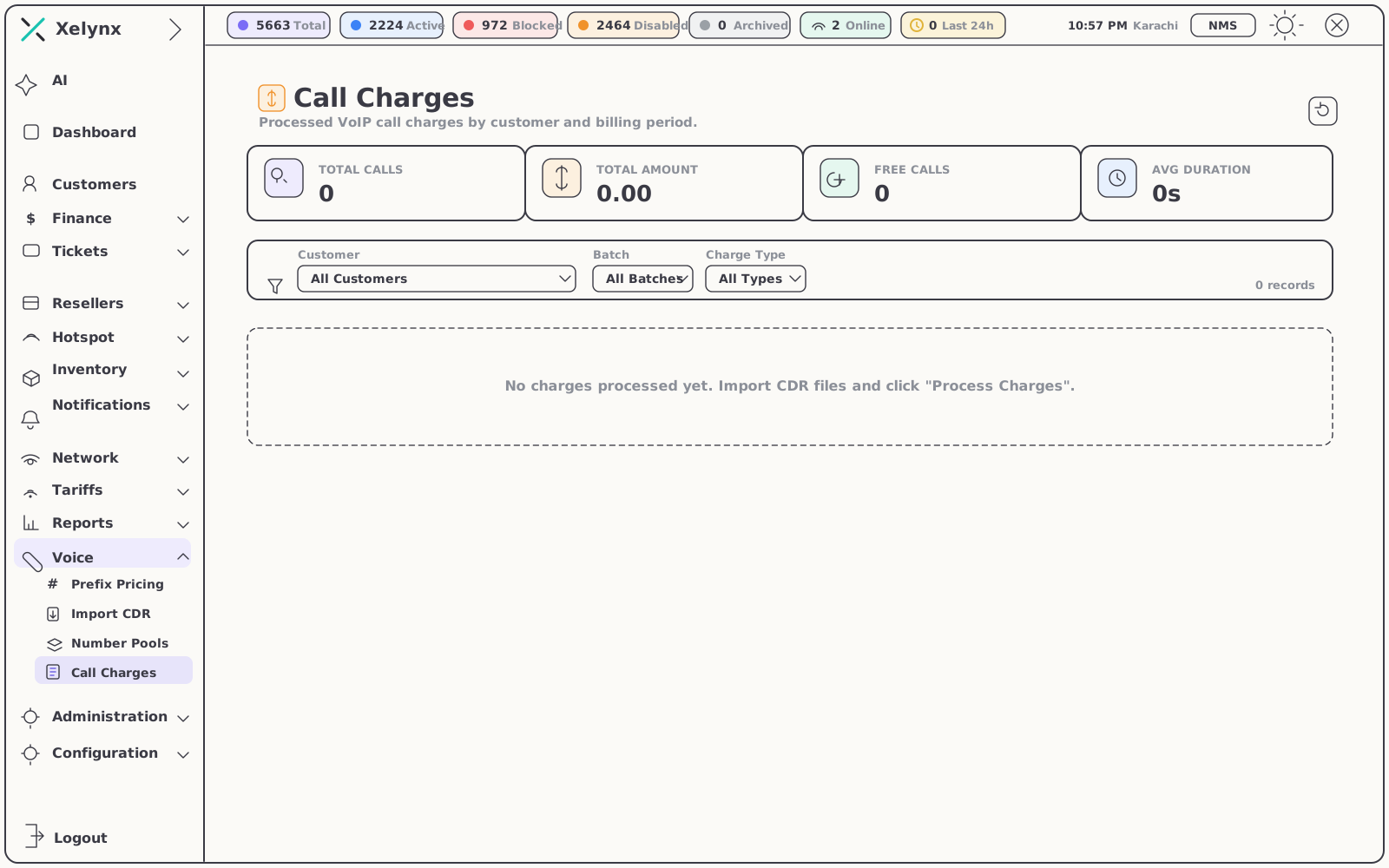
From rated call to invoice line.
Processed charges roll up by billing period across the call charges view, so what a customer owes for voice is never a mystery — to you or to them.
- Per-period totals — charges grouped by billing period, ready for invoicing
- Same invoice as broadband — rated calls bill through the engine the rest of Xelynx already uses
06 — What's included
Everything you need to run voice.
07 — Keep exploring
Voice is one module of many.
The customers behind every VoIP number, the invoices their calls land on and the TV they watch — all in the same platform.
CRM & Subscribers
Manage the customers behind every VoIP number — services, billing and communication on one profile.
Explore CRMBilling & Finance
Turn rated calls into invoices and payments, alongside broadband and every other service you sell.
Explore BillingIPTV
Provision and bill television alongside voice and broadband, delivered to the Xelynx TV app.
Explore IPTVGet started
Connect your PBX.
Bill every call.
Wire up Asterisk, rate by prefix and put voice on the invoice — free for 15 days, no card required.